What Should You Check Before Migrating a High-Traffic WordPress Website to a New Host?
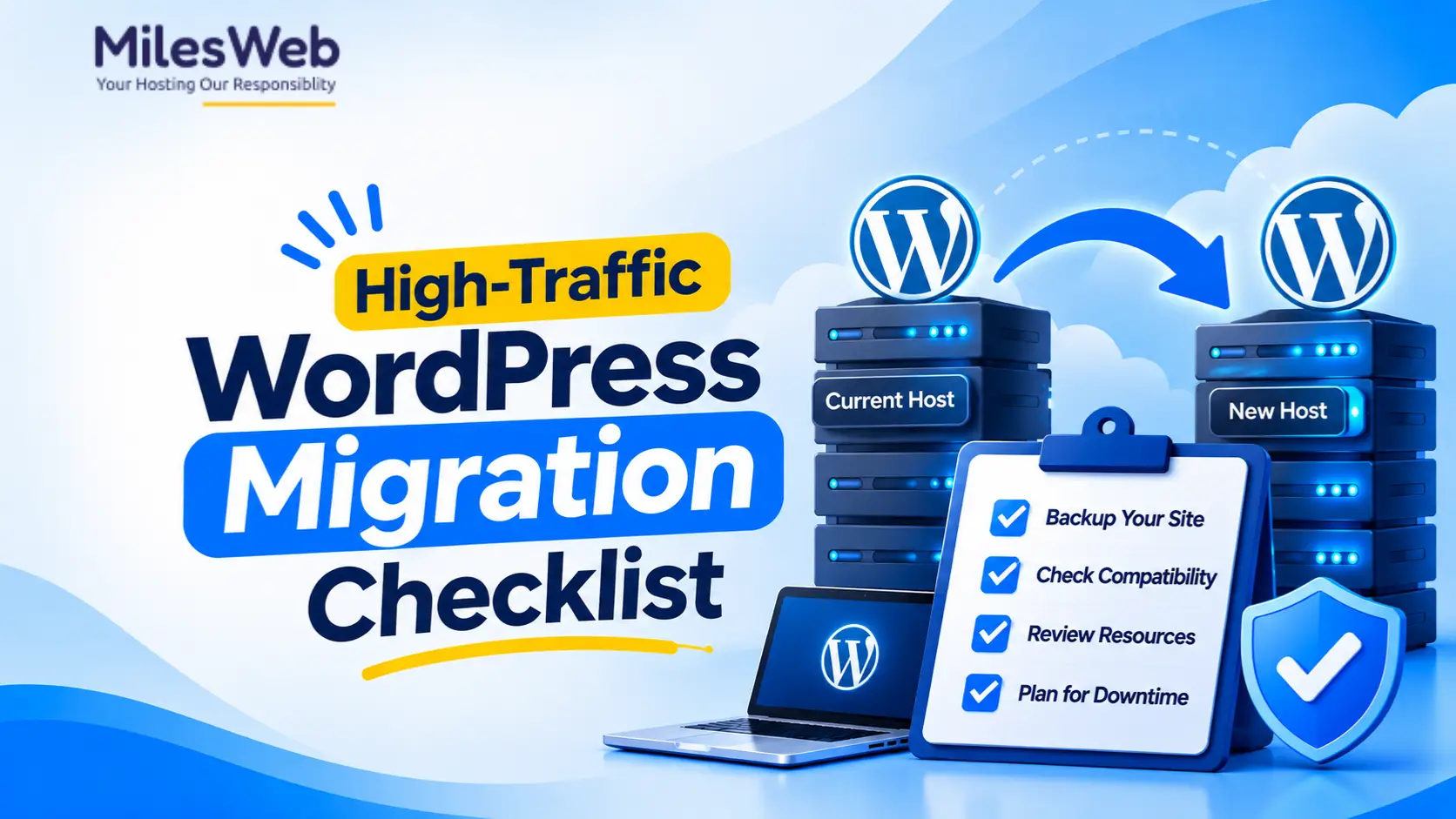
Visitors do not pause their browsing while you move a website to a new server. On a high-traffic WordPress site, orders, logins, and search engine crawls continue throughout the transfer, so every mistake reaches real people within minutes. This post lists the checks to complete before you migrate such a site to a new host.
The season makes these checks especially relevant. November brings Black Friday WordPress hosting deals, and the lower prices push many owners toward a move. A saving of that kind is a fair reason to switch. However, a lower price does not guarantee a smooth transfer. A site that skips preparation may lose data, slow down, or go offline, and visitors will not wait for the repair.
Therefore, treat the move as a planned project and follow the checklist below. Have a look.
Pre-Migration Checklist
Host Capacity
The first step is to understand what your current site actually needs. A new host looks attractive on paper, but its limits decide how the site behaves during a traffic peak. Hence, collect these numbers from your analytics and server logs:
- Peak concurrent visitors
- Average and peak server response time
- Database size and media library size
Next, compare them with the new plan’s limits, such as CPU, RAM, PHP workers, bandwidth, and storage. Then evaluate how the plan handles caching. Page caching, object caching, and a CDN decide how well the server copes with a traffic peak, and many managed WordPress plans configure them at the server level.
Some also include migration assistance, which reduces risk during the move. Location matters too. If most of your visitors are in India, a data center inside the country shortens the distance each page request travels. For that reason, shortlist the best managed WordPress hosting India offers and compare their caching setup and migration terms. Ask each provider for written specifications and support response times. Always size the plan for your busiest hours, since average traffic hides them.
Site Compatibility
A new server must handle your site in the same way as the old one, and even a small difference can break a plugin or slow a page. Begin with software versions, because PHP, the database, and the web server should match the versions your site supports.
Then check plugin and theme compatibility, object cache settings such as Redis, and any custom server rules. Besides these, security plugins, caching plugins, and firewall rules may conflict with unfamiliar server software, so record every difference in one shared list.
Thereafter, create a staging copy on the new host and compare its speed with the baseline from your current site. A slower result may point to a configuration issue that needs a fix. Moreover, test logged-in sessions, carts, and cached pages separately, since these areas depend heavily on server settings.
SEO and URLs
Search rankings take time to build, and a careless migration can damage them quickly. However, a few checks protect most of that value. Compare these items with the old site:
- Permalinks and redirect rules
- Canonical tags and meta robots settings
- The robots.txt file and XML sitemap
Note: changing hosting providers does not require 301 redirects or Google’s Change of Address tool if the domain and URLs remain unchanged.
Pay special attention to the noindex setting. Staging copies often carry it, and the tag can remove live pages from search results if it travels with the files. In addition, install the SSL certificate on the new host before DNS changes, because an invalid certificate triggers browser warnings. Once the site goes live, review crawl errors in Google Search Console and track server response time for at least one week.
Orders and Forms
A high-traffic site earns money or collects leads all day, so these functions deserve a full test on the staging copy. Start with checkout and payment gateway callbacks, then move to webhooks from third-party services. Payment settings sometimes keep references to the old server, so review each endpoint. Send test messages through contact forms and transactional emails as well, and confirm that cron jobs, backups, and scheduled posts run on schedule. For example, place a low-value test order with a real payment method and refund it afterwards.
Furthermore, please plan for data that arrives during the copy. Orders, comments, and registrations continue while files transfer. Therefore, to ensure that no record is lost, use a short content freeze or a final database sync.
DNS and Rollback
The switch itself needs the same care as the preparation. Lower the DNS TTL a few days in advance, because a short TTL lets the change spread quickly. Cloudflare recommends reducing TTL before planned DNS migrations, with 300 seconds being a common temporary setting. However, this does not guarantee that all visitors will switch servers within five minutes. (Source)
Then choose a low-traffic window, avoid sale dates, and inform the support team of the new host about your plan. Here are the steps to complete before the switch:
- Keep the old host active for 7 to 14 days.
- Store a full backup outside both servers.
- Define a rollback trigger, such as repeated checkout errors or response time above a set limit.
- Name one person with authority to order a rollback.
Once these steps are written down, nobody has to guess what to do when a problem appears.
FAQs
Conclusion
A successful migration is one that visitors barely notice, and that result comes from preparation. The five checks in this post cover host capacity, site compatibility, search settings, transactions, and the DNS switch, and each one removes a specific risk. However, none of them works alone. A strong host cannot repair a plugin conflict, and a tested plugin set cannot replace a written rollback plan.
Treat the five checks as one plan. Proceed only when every check passes on the staging copy. If one fails, please address the issue and retest before changing the DNS. Therefore, begin with the capacity numbers from your current site, because the other checks depend on them. When all five pass, the move is ready, and your visitors should notice no difference.